ReadNovaX Blog
Best Free Book Cover Maker & Templates (2026 Guide)
8+ free book cover makers tested — KDP, AI tools & web novel covers compared. Real pros/cons, no fluff. Design your cover free today.
By ReadNovaX Team · Published 14 Aug 2026 · Last Updated 14 Aug 2026 · 17 min read
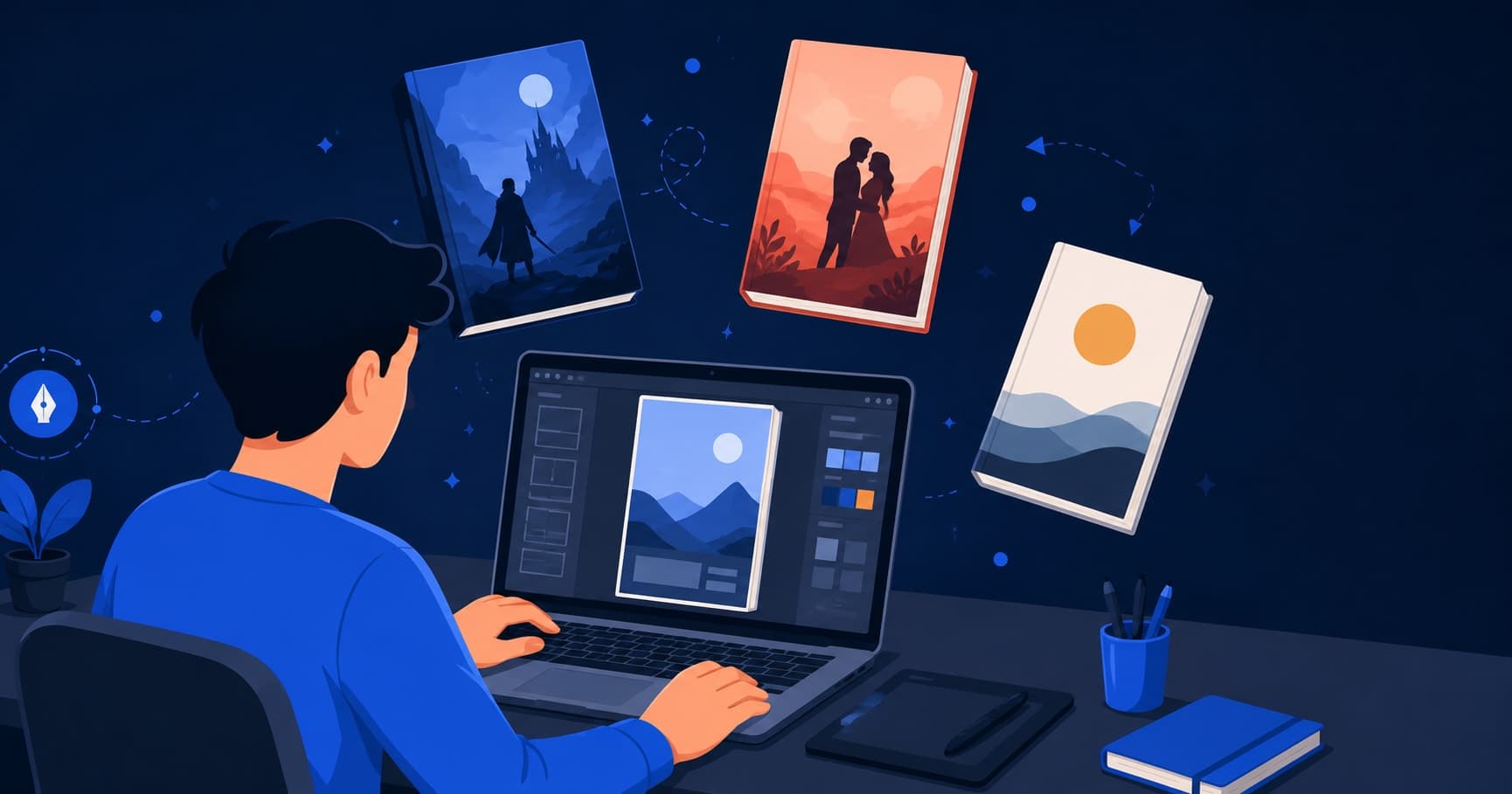
Best Free Book Cover Makers & Templates for Web Novel & Self-Published Authors
A reader decides whether to click on your book in about two seconds, and most of that decision is the cover, not the blurb. Hiring a professional designer for a genuinely good cover typically runs $300 to $800, which is a real barrier if you're self-publishing your first book or running a web novel on a shoestring budget. The free book cover maker tools available right now are good enough to close most of that gap yourself — not every situation, but far more than they could three or four years ago.
This guide splits into two halves that almost no other article covers together. The first half looks at the general-purpose and KDP-focused tools most self-published authors reach for. The second half covers something nearly every other "best book cover maker" article skips entirely: designing a cover for a web novel or serialized fiction platform, where the rules — aspect ratio, thumbnail readability, even language — are genuinely different from a paperback spine.
How We Evaluated These Tools
Five things mattered here: how easy the tool is for someone with zero design background, whether the free templates are actually usable or just bait for the paid tier, what resolution and file format you get on export without paying, how many designs or exports the free plan caps you at, and — the criterion most cover-maker roundups skip — whether the resulting cover still reads clearly shrunk down to the size of a phone-screen thumbnail. That last one matters more than people expect. A cover that looks striking full-screen can turn into an unreadable smear of color once it's sitting in a grid of thirty other thumbnails on a reading app, which is exactly the environment a web novel cover actually lives in most of the time.
Quick Comparison Table
Tool | Best For | Free Tier Limits | Export Quality | Beginner-Friendly? |
|---|---|---|---|---|
Canva | All-around cover design | Print PDF free; no built-in spine calculator | Good (web + print export) | Yes |
Adobe Express | Adobe-ecosystem users | Most templates free, some Adobe Stock assets locked | Good | Yes |
KDP Cover Creator | Straightforward KDP paperbacks | Fully free, but template variety is thin | Excellent (built for KDP specs) | Yes |
BookBrush | Author-specific templates | Free plan excludes 3D mockups (Gold tier+) | Good | Moderate |
Visme | Data-heavy or nonfiction covers | Some exports may carry a watermark on free plan | Fair to Good | Moderate |
Canva — AI art (Magic Media) | AI-generated cover art | Limited free AI credits per month | Good, needs manual cleanup | Yes |
Adobe Express — AI art (Firefly) | AI-generated cover art | Limited free generations | Good, needs manual cleanup | Yes |
AI art + manual Canva layout | Custom art + full typography control | Free, but takes two separate tools | Best overall control | Moderate |
Best Free Book Cover Makers (General & KDP Print)
Canva
Canva's book cover template library is the deepest of any free tool here, and the drag-and-drop editor genuinely doesn't require design experience to get a usable result. In practice, the free templates look sharp in the gallery preview, but once you swap in your own title and author name, a lot of the pre-set fonts run smaller than you'd want at cover size, so plan on resizing text manually rather than trusting the default layout. Contrary to what a lot of author forums claim, Canva's free plan does let you export a genuine print-ready PDF with crop marks and bleed — that part isn't paywalled. What's actually missing, free or Pro, is a built-in spine-width calculator for a full wraparound KDP cover: you still have to manually work out your spine width from your page count and set a custom canvas size yourself, which is where most first-time KDP file rejections actually come from. A serialized fiction cover skips that problem entirely, since there's no spine to calculate in the first place, and Canva's portrait-orientation templates translate well to an app thumbnail with a little cropping. The Brand Kit feature, ostensibly built for businesses reusing a logo and color palette, also turns out to be a quietly useful way to lock a consistent font pairing and color scheme across a whole series of covers if you're writing more than one book. Best for: authors who want the widest template selection and are comfortable doing their own spine math for print.
Adobe Express
Adobe Express carries the polish you'd expect from Adobe, with a genuinely useful built-in text-to-image tool (Firefly) baked directly into the cover editor rather than bolted on as a separate app. Most of the book cover templates are free to use, though a portion of the photography and illustration library comes from Adobe Stock and requires either a subscription or a per-image purchase. One thing worth knowing going in: the free plan's export defaults to a resolution that's fine for a digital thumbnail or ebook cover but noticeably softer than what a commercial print run needs, so authors printing paperbacks will want to double-check output settings before uploading anywhere. None of that ceiling matters if you're covering a serialized story that only ever displays on-screen. Who it's for: authors who want AI image generation and manual design in the same editor without switching tools.
KDP Cover Creator
Amazon built this tool specifically to sit inside the KDP dashboard, and its biggest advantage is also its biggest limitation: once your interior file is uploaded and processed, it reads your actual page count and automatically works out spine width for you, so you can't accidentally submit a cover sized for the wrong page count. The trade-off is real design flexibility — you're working with a fairly small set of pre-built layouts and a limited font list, and there's no way to bring in outside vector graphics or complex layering. It's genuinely the fastest path to a technically correct KDP paperback cover, but a purely template-locked tool like this has essentially nothing to offer a serialized fiction author, since there's no spine or page count to solve for on a chapter-by-chapter platform in the first place. Ideal for: authors publishing directly to KDP paperback who want a guaranteed-correct file with minimal design work.
BookBrush
BookBrush is built by and for authors specifically, which shows in small details — genre-specific templates, a Box Set Creator, and a trailer maker sit alongside the cover editor, all things a general design tool doesn't bother with. The standout feature, its 3D Instant Mockups generator, is worth knowing upfront isn't actually part of the free tier — it's gated to the Gold plan and above, so the free plan gets you basic cover templates and limited monthly downloads, not the mockups the tool is best known for. Its template style leans commercial fiction and romance-heavy, which is a good fit if that's your genre and a mismatch if it isn't. This works best for: authors who mainly need a straightforward cover template and don't need the mockup/marketing tools that sit behind the paid tiers.
Visme
Visme's strength is really data visualization and infographic-style design, and its book cover offering feels like an extension of that rather than a purpose-built cover tool — useful if you're making a nonfiction or business book cover that benefits from a more structured, graphic layout. Certain export options have historically carried a watermark on Visme's free plan, though these policies shift often enough that it's worth double-checking the current terms before you build a whole design around it. For genre fiction covers, especially anything image-and-mood-driven like fantasy or romance, it's a noticeably weaker fit than Canva or Adobe Express. Best suited to: nonfiction, business, or self-help authors whose covers lean typographic and structured rather than illustrative.
Best Free AI Book Cover Generators
None of the current AI tools reliably produce a complete, text-safe book cover in one generation — every workflow that actually works involves generating artwork with AI and then adding your title and author name manually afterward, because AI image models still routinely mangle text, and even when they don't, you have zero control over font choice or exact placement. Canva's Magic Media generates decent background art or illustrated scenes directly inside the same editor you'd use to add your title, which keeps the whole process in one place, though the free tier only gives you a limited number of generations per month before nudging you toward a paid credit pack. Adobe Firefly, built into Adobe Express, works similarly and is trained specifically to avoid obvious copyright-infringing outputs, which matters if you plan to sell the resulting cover commercially — though "avoid obvious infringement" isn't the same as a guarantee, and you're still responsible for how you use the output. A third option, less convenient but often better looking, is generating art in a dedicated image-generation tool and then importing that image into Canva or Adobe Express purely for the typography layer — more steps, but you get considerably more control over the final art style than staying inside one all-in-one tool. Whichever workflow you use, it's worth a quick manual check that the generated art doesn't sit too close to an existing bestseller's cover in your genre — AI models trained heavily on popular imagery can sometimes drift toward compositions that feel familiar in an uncomfortable way, and that's a problem worth catching before publication, not after a reader points it out in a review. If you're building a cover for a serialized story specifically, AI-generated art can be genuinely useful for genres like fantasy or sci-fi where a striking illustrated scene matters more than a photographic image, provided you keep the composition simple enough to still read at thumbnail size.
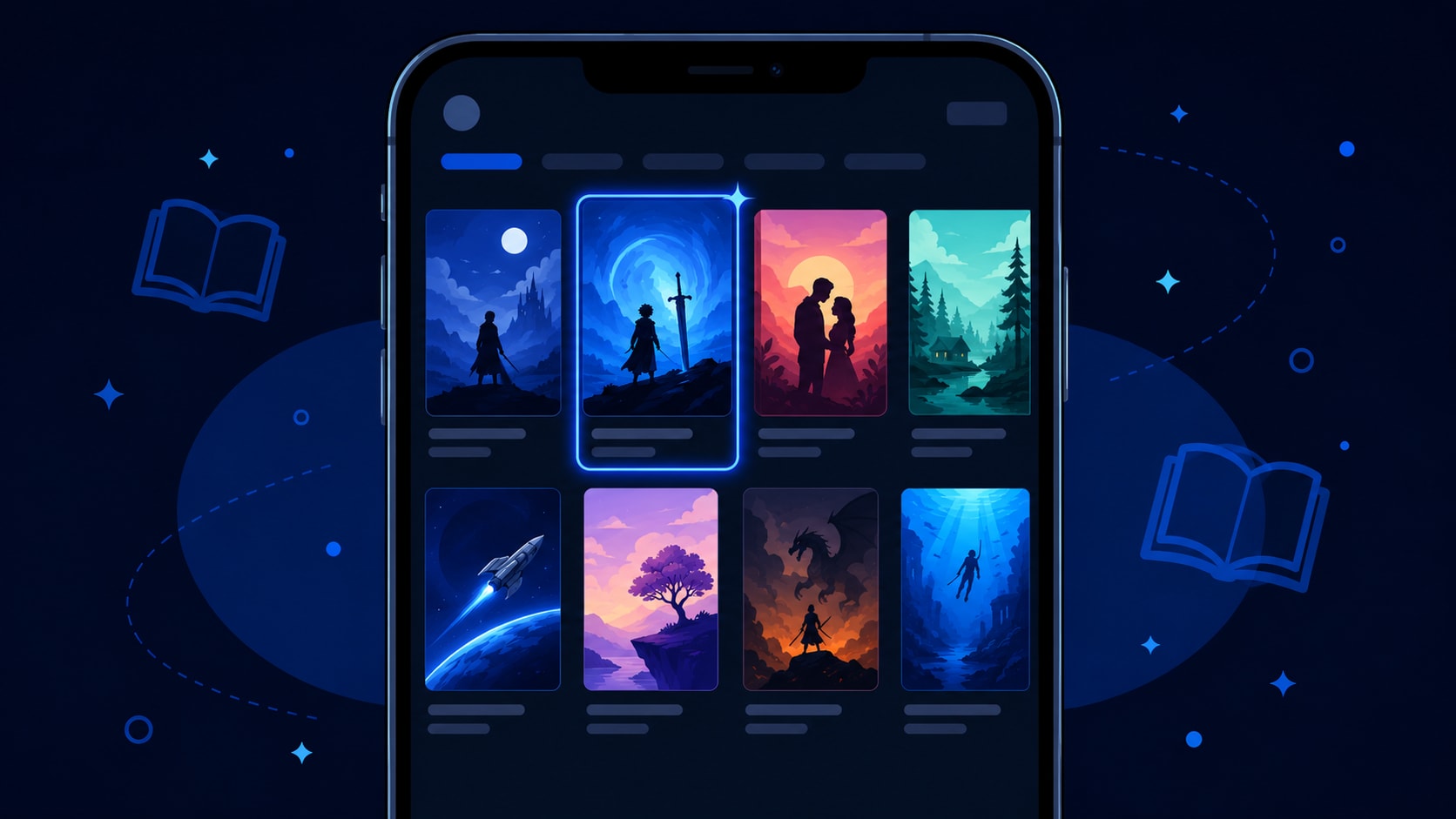
Book Cover Design for Web Novels & Serialized Fiction
Everything above assumes you're designing for a print spine or a bookstore ebook thumbnail, and that assumption breaks down the moment you're publishing on a serialized fiction platform. A web novel cover isn't judged sitting still on a shelf — it's judged shrunk down in a scrolling grid of dozens of other covers on someone's phone, usually while they're deciding in under a second whether to tap in. There's no spine to design because there's no physical object, no bleed margin because nothing gets trimmed, and no barcode box to leave blank because there's no retail scanner involved anywhere in the process. Most serialized fiction platforms — Wattpad, Royal Road, Webnovel, and ReadNovaX among them — use a tall portrait rectangle closer to a paperback's front-cover proportions than the square or landscape formats you'd expect from a typical app icon, which means portrait templates from tools like Canva actually transfer over reasonably well with some cropping, even though those tools were never built with this use case in mind.
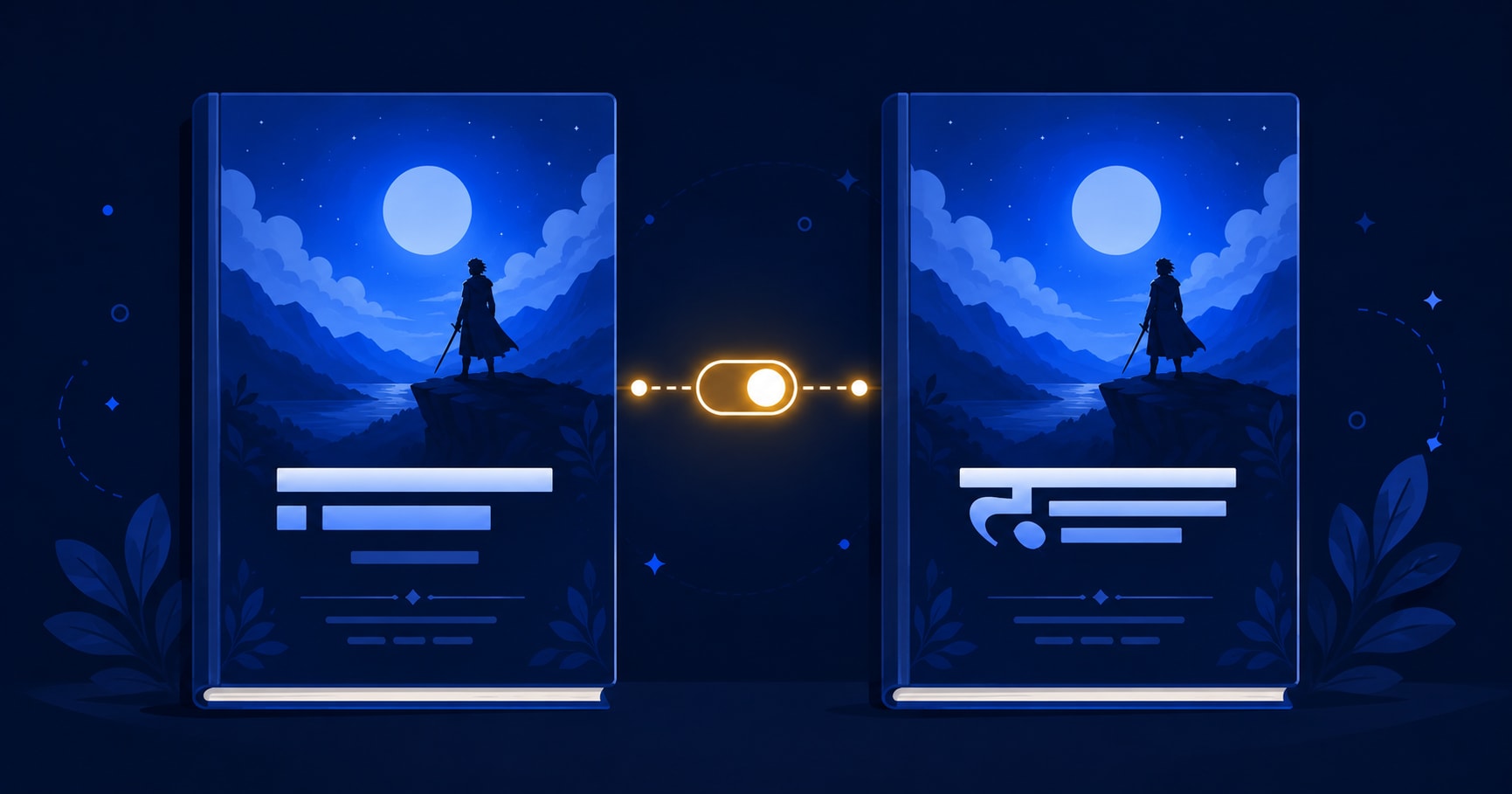
What none of the general tools above are built to handle is legibility at genuinely small sizes combined with non-Latin text. A title that reads perfectly clearly full-screen can turn to mush at thumbnail size once you factor in a Devanagari title running alongside — or instead of — an English one, and font choices that look fine for Latin script often render Hindi text with awkward spacing or clipped matras, since most free template fonts were never designed with that pairing in mind. This is a real, everyday design problem for bilingual platforms — on ReadNovaX, where readers switch between English and Hindi on the same site, authors publishing in Hindi or in both languages have to solve exactly this: picking a font pairing and a layout that stays legible at thumbnail size in either script, not just the one the template happened to be built around. It's a genuinely underserved corner of cover design, and if you're writing for ReadNovaX's community, it's worth testing your cover shrunk down on an actual phone screen — in both languages, if you're publishing bilingually — before you commit to it, rather than judging it at full size on a desktop monitor where every cover looks better than it will in practice.
Cover design is really the second half of the job, not the first — if you haven't nailed the story itself yet, a striking cover on a weak opening chapter just gets readers to bounce off faster. If you're still working on the writing side, how to write a webnovel first chapter and how to outline a serialized web novel are worth pairing with whatever cover work you do here — the two ReadNovaX guides walk through the opening-chapter hook and the volume-level pacing that actually keep readers past the cover, which is the part a cover alone can never do for you.
Book Cover Design Basics (Ideas & Principles)
Genre conventions exist because readers use them as a shortcut, and breaking them without a reason usually costs you clicks rather than earning you originality points. Romance covers lean on close-cropped figures, warm or saturated color palettes, and script or elegant serif typography; fantasy and progression fiction favor darker palettes, dramatic single-figure or landscape imagery, and bold, often slightly stylized display fonts; thrillers tend toward high-contrast, stark compositions with a lot of negative space and tight, geometric type. Studying twenty recent bestsellers in your specific subgenre, not just your broad genre, will tell you more about what's actually working right now than any general design guide.
The most common mistake beginners make is using more than two typefaces on a single cover — one for the title, one for the author name, at most a third for a small tagline — because every additional typeface competes for attention and hurts thumbnail legibility. A close second is choosing an image with too much fine detail or clutter, which reads as an interesting scene at full size and as visual noise once shrunk down. A third: centering everything by default, when an off-center title with intentional negative space usually reads as more deliberate and professional than dead-center text stacked in the middle of the frame. A fourth, easy to miss until someone points it out: low contrast between title text and background — a pale gold title on a cream background might look elegant on a large monitor and vanish completely once the same image is compressed into a 100-pixel-wide thumbnail.
None of this is about copying what's popular for its own sake. A cover that ignores every genre signal a reader relies on isn't bold, it's just confusing — readers scanning a crowded page use color, typography weight, and imagery as a fast filter for "is this my kind of book," and a cover that fights those signals usually just gets scrolled past rather than admired for its originality.
How to Make a Book Cover for Free (Step-by-Step)
1. Pick your platform and dimensions first. If you're publishing a KDP paperback, use KDP's trim size calculator to get your exact spine width before opening any design tool. If you're publishing a web novel cover, use a portrait ratio in the 2:3 to 3:4 range rather than a square format.
2. Open Canva and search "book cover" in the template search bar, then filter by genre if you're using a genre-fiction template as a starting point rather than building from a blank canvas.
3. Swap in your own image using the upload panel, or generate one with Magic Media if you don't have your own artwork — keep the composition simple if this is going to double as a thumbnail.
4. Replace the title and author text boxes, then manually resize the font upward — default template text usually needs to be larger than it looks in the editor to stay readable once shrunk down.
5. Check contrast between your title text and the background behind it using Canva's built-in contrast checker, or just squint at it — if the title disappears into the image at a glance, it will disappear entirely at thumbnail size.
6. Use Resize (Canva's format-switching tool) to generate a second, smaller version of your design and preview it at actual thumbnail size before exporting anything final.
7. Export — PNG or JPG at the highest free resolution for a digital or web novel cover; if you need a print-ready file for KDP, you'll need Canva Pro or a tool like KDP Cover Creator that builds the print file correctly by default.
Which Tool Should You Use? (Quick Picks by Use Case)
- KDP paperback: KDP Cover Creator, since it reads your page count and works out spine width for you automatically.
- Quick, simple cover with no design background: Canva, for the widest free template selection and the most forgiving editor.
- AI-generated cover art: Canva Magic Media if you want art and typography in one place, or a dedicated image generator paired with Canva if you want more control over the art style.
- Web novel or serialized fiction cover: Canva's portrait templates, cropped and tested at actual thumbnail size rather than judged at full screen.
- Bilingual Hindi + English cover: Canva or Adobe Express, but plan to manually test font pairings for Devanagari legibility rather than trusting a default template font built for Latin script alone.
Licensing & Legal Things to Watch Out For
A meaningful share of free stock images available inside these tools are licensed for personal or non-commercial use only, and using one on a book you're actually selling — even a $2.99 ebook — can create a real copyright liability, regardless of how easy the tool made it to grab that image. Before you publish anything commercially, check the specific license attached to any stock photo, illustration, or AI-generated image you used, not just the tool's general terms of service, since licensing can vary image by image even within the same platform. AI-generated art carries its own added wrinkle: copyright status of AI-generated images is still genuinely unsettled in several jurisdictions, so if commercial rights matter a lot to you, favor tools that explicitly state you retain full commercial usage rights on outputs, and keep records of what you generated and when. This matters just as much for a free web novel cover as it does for a paperback you're charging money for — a platform hosting your story commercially, or running ads against it, can still expose you to a takedown or a licensing dispute if the cover image itself wasn't cleared for that use, even though no money changed hands for the chapter itself.
Final Thoughts
If you're publishing a KDP paperback, KDP Cover Creator or Canva will get you a technically correct file without much friction, and that's really the whole job for a print cover. If you're publishing a web novel, the job is different and honestly a little more interesting — you're designing for a thumbnail first and a full-size image second, which flips the priority order most cover-design advice assumes. And if you're doing that bilingually, in English and Hindi on a platform like ReadNovaX, you're solving a design problem that essentially no mainstream cover tool was built around, which means testing on an actual phone screen matters more than trusting any template's default settings. None of the tools here get it perfectly right for that specific case yet — but Canva's flexibility currently gets you closest, with some manual font testing on your end to close the gap. Once the cover's done, the actual test is putting it in front of readers — ReadNovaX is free to publish on for exactly this kind of chapter-by-chapter fiction, in English, Hindi, or both, if that's the platform your cover is being built for in the first place.